Product tour
Test your controller.
Then use it everywhere.
A gamepad tester, calibration bench and couch remote for Android 4.3 and newer. No ads, no account, no internet.
One-time purchase · Phone & tablet · Works offline
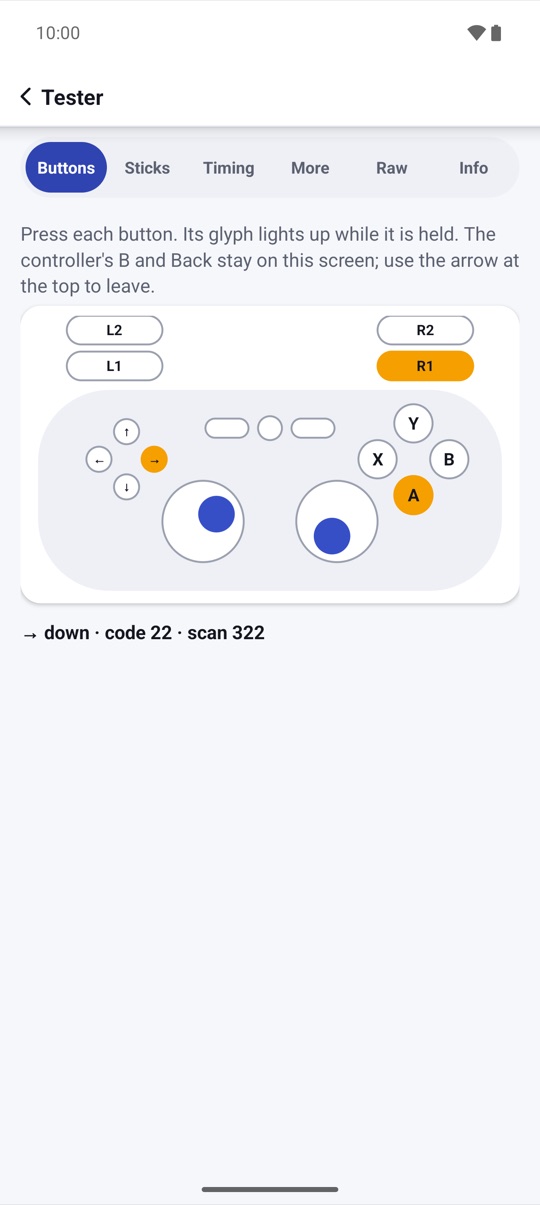
Gamepad tester
Every button,
lit up live.
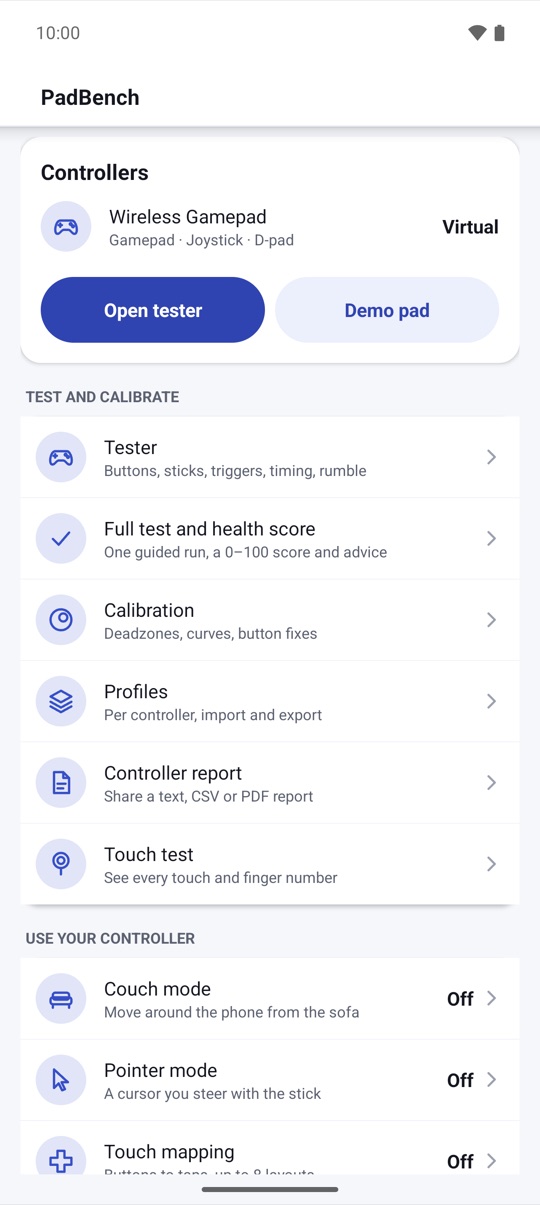
Each press lights its glyph on a clear on-screen pad, with the key name, scan code and how long you held it. PadBench warns about chatter, lists unknown buttons by scan code, and keeps you on the screen when you test B.
- A guided full test with a 0–100 health score and advice
- Raw view of every axis and key for unrecognized pads
- Most Bluetooth and USB controllers that Android recognizes
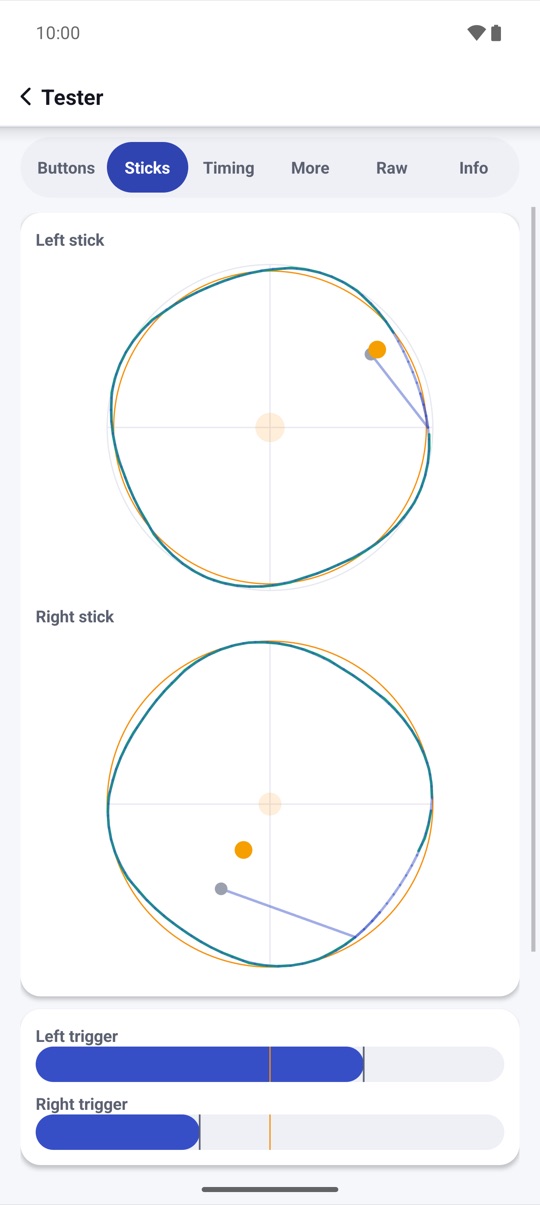
Sticks and triggers
Drift, circularity
and noise, measured.
A live 2-D plot shows each stick with its trail. Roll it once for a circularity score, leave it for three seconds to measure drift at rest, and squeeze the triggers to see their travel curve. Event rate and press-to-frame time are measured inside Android, and labeled that way.
- Polling histogram with jitter and min/avg/max, CSV export
- Deadzone estimate from the drift test, applied in one tap
- Rumble, plus battery, lights and motion sensors on Android 12+
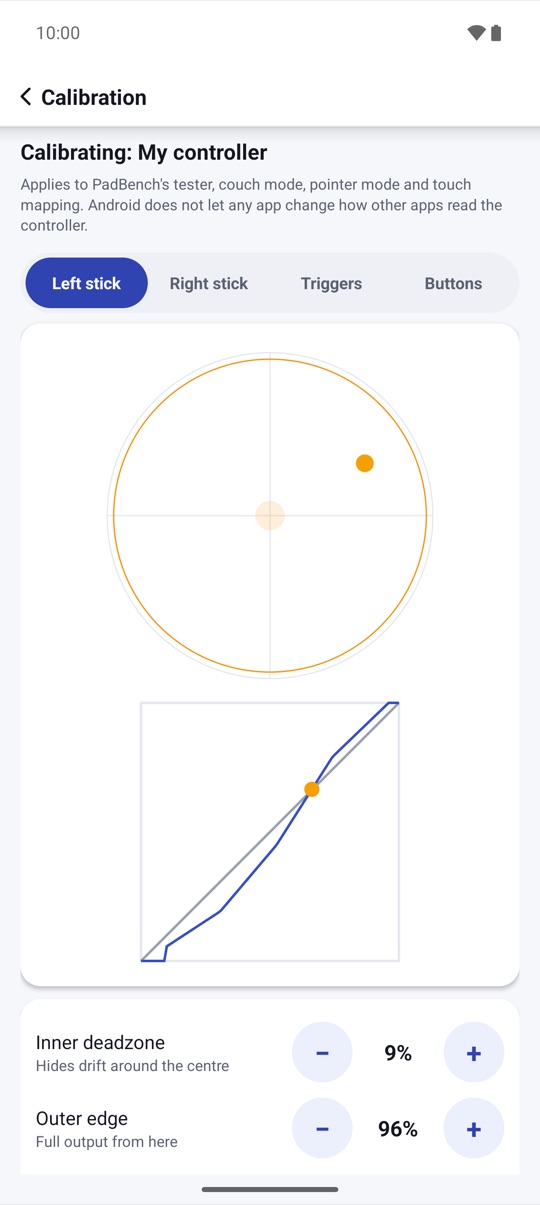
Calibration
Deadzones and curves,
before and after.
Set inner and outer deadzones, radial or axial, an anti-deadzone and a response curve, and watch the before/after plot move with your stick. Invert or swap axes and fix swapped A/B buttons. Profiles are picked when that controller connects.
- Linear, smooth, aggressive or your own curve
- Profiles per controller, export and import as .padbench files
- Applies to PadBench's own features and mapping
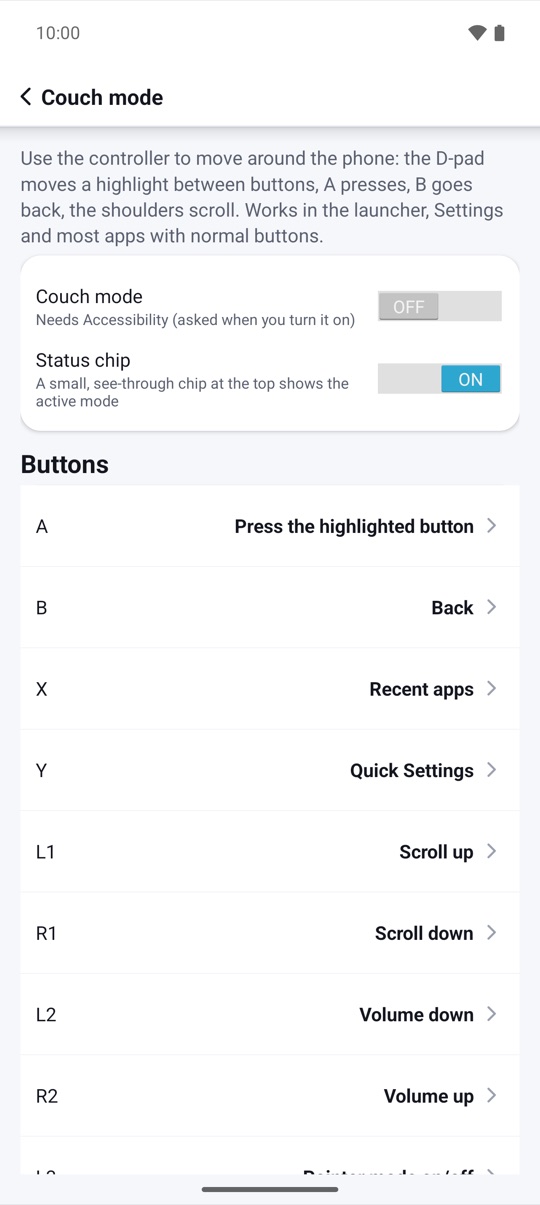
Couch mode
Your phone,
from the sofa.
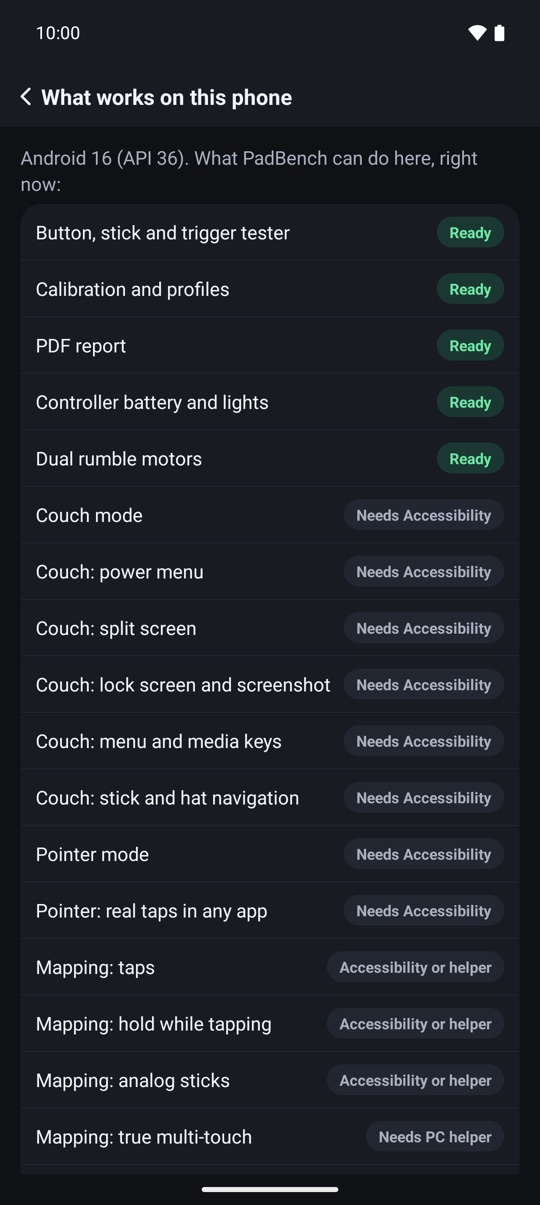
Back, Home, Recents, notifications, quick settings, music volume steps and media play, fast-forward and rewind from your controller, plus the power menu, split screen, lock and screenshot where your Android version offers them. The D-pad moves a focus ring over buttons in normal apps and A selects.
- Every binding editable
- Hold Select + Start to pause
- Pauses by itself in apps you choose
Basic touch mapping
Place a tap,
press a button.
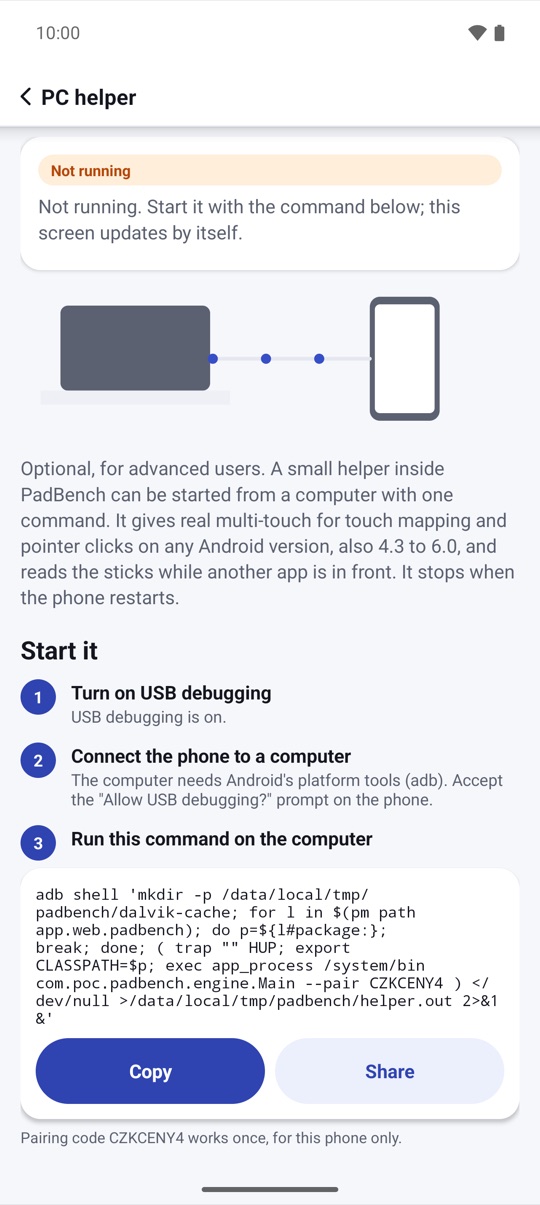
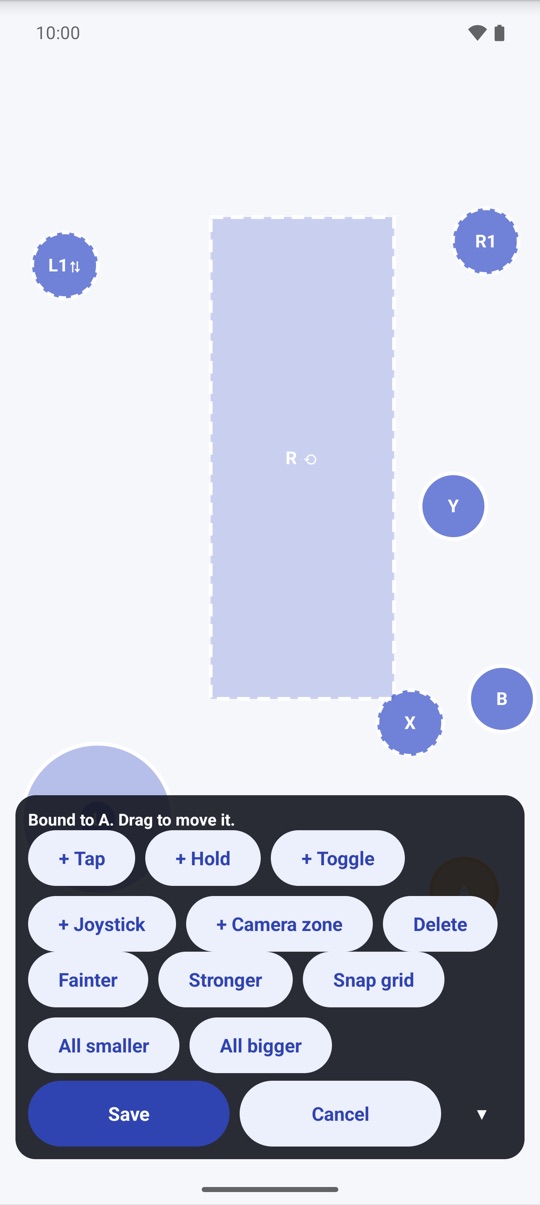
Up to 16 controls in 8 layouts: tap, hold, toggle-hold, a virtual joystick on the left stick or D-pad (4- or 8-way), and a basic drag zone for the right stick. Set opacity, a snap grid and size, and share a layout as a file. On Android 7 and newer no PC is needed; on any version an optional helper you start with one PC command gives real multi-touch.
- One press, one touch you placed; nothing runs by itself
- Per layout: capture sticks, pass unmapped buttons
- Fair-play notice before your first layout
And more
The small things,
done right.
Screenshots
Every screen,
exactly as it ships.
Every screen below is a real screenshot.